



WHY FINDING THE CHEAPEST BEST WEBSITE BUILDER MATTERS
The cheapest best website builder isn’t just about the lowest price tag—it’s about getting professional features without breaking your budget. Here’s what you need to know right now:
Top Budget-Friendly Options at a Glance:
| Builder | Starting Price | Best For | Key Feature |
|---|---|---|---|
| Hostinger | $2.99/mo | AI-powered tools | 150+ templates, free domain |
| Carrd | $9/year | Single-page sites | Simplest option available |
| Wix | Free tier available | Design flexibility | 900+ templates, drag-and-drop |
| WordPress.com | $4/mo | Blogging | Powerful CMS features |
| Webnode | $4.50/mo | Multilingual sites | 20+ language support |
Most small business owners assume building a professional website means choosing between spending thousands on a designer or settling for a clunky, unprofessional result. That’s simply not true anymore. Today’s budget website builders offer surprisingly robust features—from AI-powered design tools to built-in SEO capabilities—at prices that won’t strain your cash flow.
The catch? Not all “cheap” builders deliver equal value. Some lock essential features behind expensive upgrades. Others charge hidden fees for domains, SSL certificates, or transaction processing. The real challenge is identifying which platforms give you professional results at genuinely affordable prices, both now and as your business grows.
I’m Magee Clegg, founder and CEO of Cleartail Marketing, and over the past decade I’ve helped 90+ B2B companies build cost-effective online presences using the cheapest best website builder solutions available. Through extensive testing and real-world implementation, I’ve seen which budget platforms deliver results and which ones create more headaches than they solve.
The Cheapest Best Website Builder Options for 2026
When we talk about the cheapest best website builder, we are looking for that “sweet spot” where affordability meets high-end functionality. You shouldn’t have to sacrifice a professional look just because you’re watching your pennies. In 2026, the market is more competitive than ever, meaning users like us win with lower prices and better features.
To help you decide, we’ve put together a comparison of the heavy hitters in the budget space. Whether you need a simple landing page or a full-scale business site, these options cover the spectrum of “affordable.”
| Platform | Introductory Price | Renewal Price | Best For |
|---|---|---|---|
| Hostinger | $2.99/mo | ~$11.99/mo | All-in-one value & AI |
| Wix | Free / $17/mo | Variable | Maximum design freedom |
| Carrd | $9/year | $9/year | One-page portfolios |
| WordPress.com | $4/mo | $4/mo | Content & Blogging |
| Webnode | $4.50/mo | Variable | Multilingual business |
If you are looking for a more integrated business management approach, you might also want to explore CRM and marketing automation tools that include website pages as part of a broader platform. (We typically recommend evaluating these based on total cost over time, including email and contact limits.)
Hostinger: The Cheapest Best Website Builder for AI Tools
Hostinger has quickly become our top recommendation for anyone searching for the cheapest best website builder that doesn’t feel “cheap.” Starting at just $2.99 per month (often as low as $2.69 with specific deals), it offers a staggering amount of value.
What makes Hostinger stand out is its commitment to AI. If you’re a busy business owner who doesn’t have time to learn complex design principles, Hostinger’s AI Builder can generate a custom website for you in minutes. It also includes an AI Writer for your copy, an AI Logo Maker, and even an AI Heatmap tool to show you where visitors are likely to click.
Key highlights include:
- Pricing: $2.99/mo with an annual commitment (renewal around $11/mo).
- Templates: Over 150 modern, mobile-responsive designs.
- Freebies: Includes a free domain for the first year and unlimited SSL certificates.
- Ease of Use: Perfect for beginners who want a guided experience.
For those specifically interested in the WordPress ecosystem but still wanting to keep costs low, check out our WordPress Hosting Low Cost Complete Guide.
Wix: The Cheapest Best Website Builder for Design Flexibility
Wix is the “OG” of the website builder world, and for good reason. It offers the most flexible drag-and-drop editor on the market. If you can imagine it, you can probably build it on Wix. While Wix has moved toward more premium pricing lately, it remains a contender for the cheapest best website builder because of its robust free tier.
With the free version, you get access to over 900 templates and most of the design tools. The downside? You’ll have Wix branding on your site and a subdomain (like yourname.wixsite.com). However, for a student or a new hobbyist, it’s a zero-cost way to get online.
If you decide to upgrade, the “Light” plan starts at around $17/month. We recommend using the code “TAKE10” for a discount, or if you’re a student, you can often snag a 50% price cut. To explore their current templates, you can Visit Wix.
Carrd and Webnode: Ultra-Low Cost Alternatives
Sometimes, you don’t need a massive website with twenty pages. Sometimes, you just need a digital business card or a landing page.
- Carrd: This is arguably the cheapest paid option on the planet. For just $9 per year, you can build a professional one-page site. It’s perfect for “link in bio” pages, personal portfolios, or simple lead capture forms. It’s simple, sleek, and incredibly fast.
- Webnode: If your business caters to an international audience, Webnode is a hidden gem. It offers fantastic multilingual support for over 20 languages. Their “Limited” plan starts at a very reasonable $4.50 per month, making it a “permanently cheap” option for small businesses that need a multi-page presence without the high monthly fees of larger competitors.
Essential Features to Prioritize on a Budget
When you’re shopping for the cheapest best website builder, it’s easy to get distracted by flashy templates. But a pretty site that doesn’t show up in Google or breaks on a smartphone is a waste of money.
Here are the non-negotiables we believe you should prioritize:
- Mobile Responsiveness: Over 50% of web traffic is mobile. Your builder must automatically reformat your site for smaller screens.
- SSL Certificates: This is the “padlock” icon in the browser. It’s essential for security and SEO. Most good builders (like Hostinger and Wix) include this for free.
- Custom Domain Connection: To look professional, you need “yourbusiness.com,” not “yourbusiness.builder.com.” Ensure your plan allows for this.
- SEO Tools: You need to be able to edit meta titles, descriptions, and alt tags for images. Platforms like Squarespace and Wix offer built-in SEO checklists to guide you.
- Site Analytics: You can’t improve what you don’t measure. Look for builders that offer integrated stats or allow you to connect Google Analytics.
For a deeper dive into what makes a design effective without costing a fortune, see our Affordable Custom Website Design Guide. If you are looking for advanced design control that bridges the gap between design and code, you might want to Visit Webflow.
Free vs. Paid: Navigating Limitations and Long-Term Costs
We often get asked: “If I can build a site for free, why would I ever pay?” It’s a fair question! But free plans come with strings attached that can eventually hurt your brand.
The Reality of Free Plans
- Branded Ads: Free sites usually display a banner that says “This site was made with [Builder Name].” This can make a business look less established.
- Subdomains: You won’t own your URL. It will be something like
business.square.site. - Storage and Bandwidth: Free tiers often limit how many images you can upload or how many people can visit your site at once.
Long-Term Costs to Watch Out For
The cheapest best website builder today might not be the cheapest in two years. Here is what we tell our clients to look for:
- Renewal Prices: Many builders (like IONOS or Hostinger) offer a very low introductory rate (e.g., $1/mo). After the first year, this usually jumps to a standard rate of $12-$15/mo. Always check the fine print!
- Domain Name Costs: Many plans give you a “free domain for the first year.” After that, expect to pay $15-$20 annually. You can learn more about these specifics in our guide on WordPress Domain Name Cost.
- Transaction Fees: If you’re selling products, some “cheap” plans take a 3% to 5% cut of every sale. As you grow, it’s often cheaper to pay for a higher-tier plan with 0% transaction fees.
- App Integrations: Need a specific booking tool or a fancy gallery? Some builders charge extra for “premium” apps or plugins.
Top Picks for Portfolios, Small Business, and E-commerce
Different needs require different tools. Here are our specialized picks for the cheapest best website builder based on your specific goals:
Best for Creative Portfolios: Pixpa
Pixpa is a powerhouse for photographers and artists. Their basic plan starts at $4.80 per month (billed annually). It includes beautiful gallery options and, uniquely for this price point, the ability to sell a limited number of products without transaction fees. It’s an ideal choice for a Cheap Portfolio Website that still looks like a high-end gallery.
Best for Small Business: IONOS
If you just need a professional “digital brochure” for your local business, IONOS is hard to beat. They often run promotions where the first year is just $1 per month. It includes a professional email address (e.g., [email protected]), which is a huge plus for small business owners trying to build trust.
Best for Budget E-commerce: Webador and Square
- Webador: We love Webador for budget sellers because their e-commerce plan ($9/mo) has zero transaction fees. This means you keep more of your hard-earned money.
- Square Online: If you already use Square for your physical store, their online builder is a natural fit. You can Visit Square to see how it syncs your inventory perfectly between your shop and your website. Their free plan even allows you to start selling online immediately, charging only the standard credit card processing fee.
Frequently Asked Questions about Affordable Website Builders
Are there any truly free website builders that are still good?
Yes! Square Online and Wix offer the most robust free versions. Square is excellent because it allows you to actually sell products on the free tier. Wix is better for those who want total design control. Just remember that “free” always comes with branded ads and a lack of a custom domain.
What are the typical long-term costs beyond the initial price?
Beyond the monthly subscription, you should budget for your domain renewal ($15-$20/year), professional email (often $5/mo if not included), and potentially third-party app subscriptions. Also, keep an eye on the “renewal rate”—the price you pay after your initial 12 or 24-month discount expires.
How can I ensure a cheap builder still offers good SEO?
Don’t settle for a builder that doesn’t let you edit “Metadata.” At a minimum, you should be able to change the Page Title and Meta Description for every page. Builders like GoDaddy and Wix offer guided SEO assistants that walk you through the process, which is great for beginners.
Conclusion
Building your dream website doesn’t have to be a financial burden. By choosing the cheapest best website builder for your specific needs—whether it’s Hostinger’s AI tools, Wix’s flexibility, or Carrd’s simplicity—you can establish a professional online presence for less than the cost of a monthly coffee subscription.
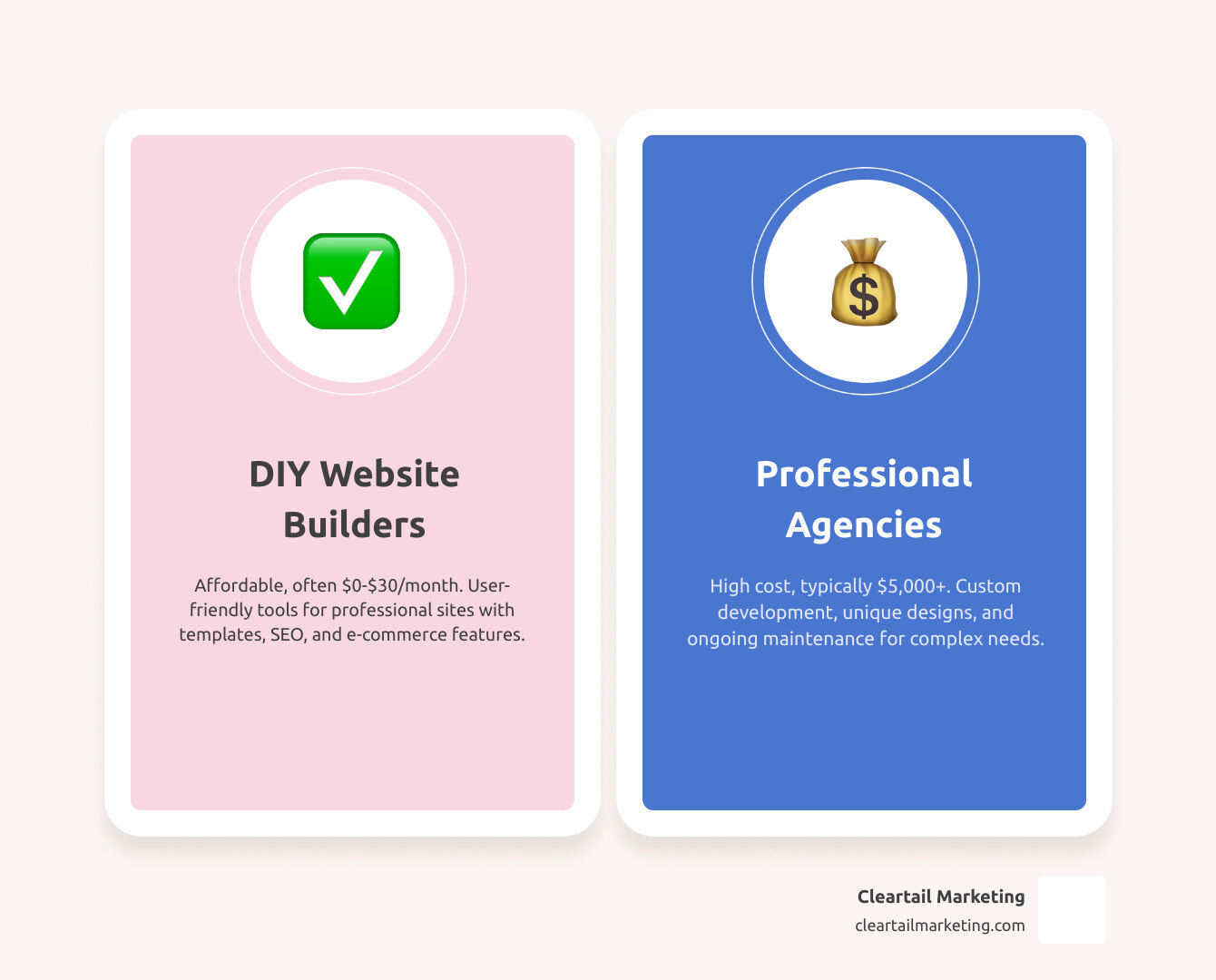
However, we know that as your business scales, your needs change. While DIY builders are a fantastic starting point, there may come a time when you need custom functionality, advanced SEO domination, or a more hands-off approach to maintenance.
At Cleartail Marketing, we specialize in helping businesses bridge that gap. From Cheap Web Design strategies to professional WordPress development, we are dedicated to building strong client relationships and delivering proven results. Whether you are just starting out or ready to scale to the next level, we’re here to ensure your digital presence is an asset, not a liability. Happy building!
